

TL;DR: AI for HVAC companies changed a lot in the last two years. It used to mean a website chatbot. In 2026 it means software that answers your phones at 2 a.m., books jobs straight into your schedule, scores every call, coaches your comfort advisors and helps technicians troubleshoot by model number. This guide sorts HVAC AI into eleven categories, from call answering and CRM to estimating, invoicing and flyers, explains what each one does for your business, and compares two or three real vendors in each. Every vendor was checked on its own website in October 2026, and the methodology section at the end shows each brand’s search demand and G2 reviews.
A note on numbers: the results quoted below come from the vendors themselves (case studies and customer quotes on their websites). They show what is possible, not what you will get. Prices are as listed on October 18, 2026; most vendors only quote after a demo.
The eleven categories at a glance
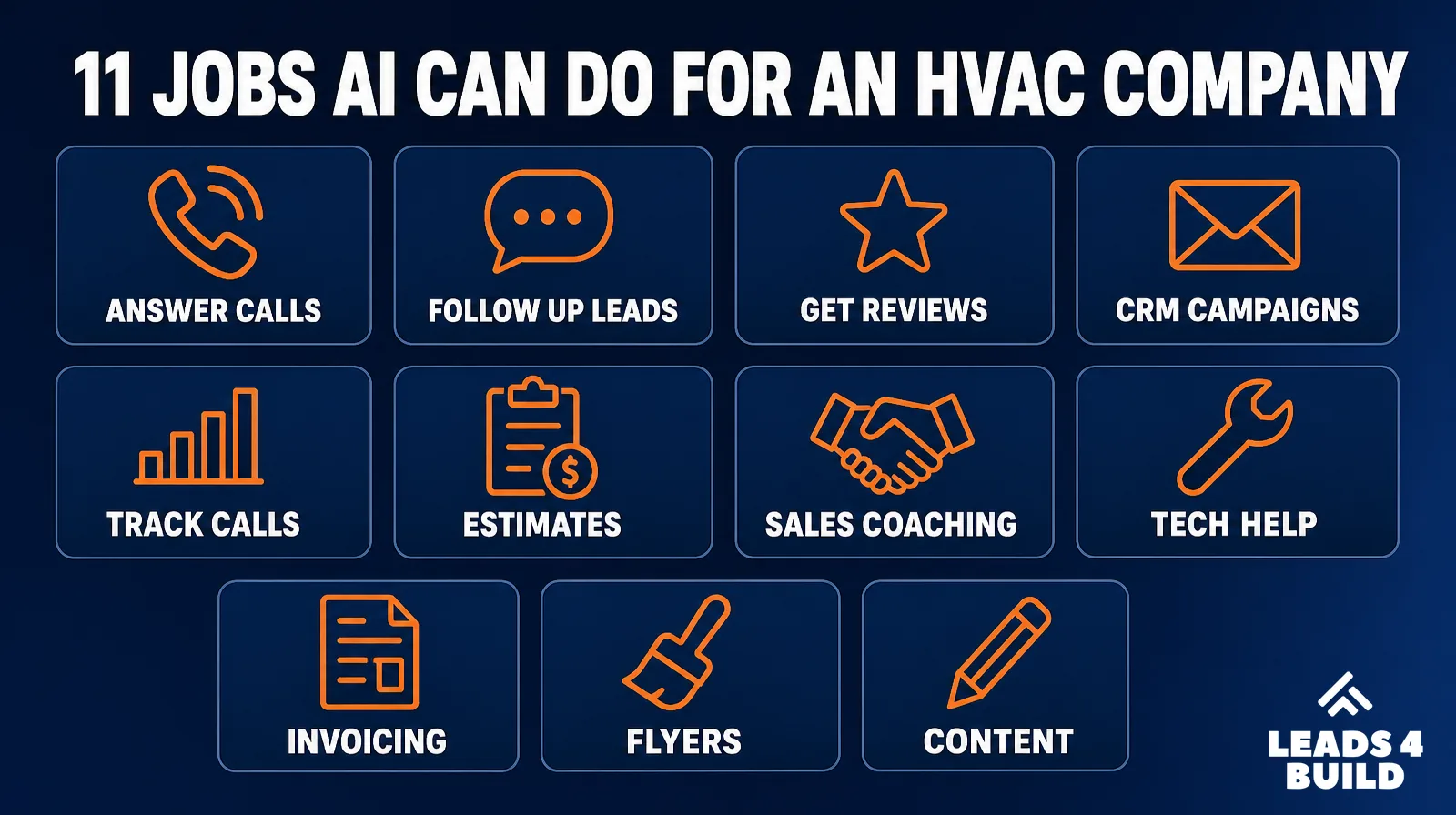
| Category | What the AI does | Vendors in this guide | Start here if… |
|---|---|---|---|
| AI inside your field service software | Answers questions about your numbers, drafts invoices and review replies, predicts job value | ServiceTitan, Housecall Pro, Jobber | You already use one of these platforms |
| AI call answering and booking | Answers calls and texts 24/7, books into your schedule, escalates emergencies | Avoca, Sameday, Netic | You miss calls after hours or during heat waves |
| AI lead response and reviews | Replies to web leads in seconds, asks for reviews, manages listings | Podium, Birdeye | Leads wait hours for a reply, or reviews are thin |
| AI CRM and marketing automation | Follows up with leads and past customers, runs campaigns, answers chats | HubSpot, HighLevel | You need follow-up and campaigns beyond your field service software |
| AI call tracking and analysis | Transcribes and scores calls, shows which marketing brings booked jobs | CallRail (plus scoring in Avoca, Sameday, Netic) | You do not know which ads bring real jobs |
| AI estimating and proposals | Drafts priced quotes from a photo, builds good/better/best options, runs load calculations | QuoteIQ, AutoHVAC | Quotes take too long or prices vary by who writes them |
| AI sales coaching | Records in-home sales visits and coaches comfort advisors | Rilla, Siro | You sell replacements in the home and close rates vary |
| AI help for technicians | Specs, parts and troubleshooting by model number, AI job summaries | Bluon, XOi | New techs need help in the field |
| AI invoicing and bookkeeping | Creates invoices, sends payment reminders, predicts late payers | QuickBooks, Xero | You wait too long to get paid |
| AI design and flyers | Generates flyers, door hangers, yard signs, social graphics from a prompt | Canva, Adobe Express | You need marketing materials without a designer |
| AI for marketing content | Writes posts, emails, service descriptions and replies | ChatGPT, Leads4Build HVAC Social Media Generator | You struggle to post and write consistently |
What is the best AI built into HVAC field service software?
The cheapest AI to try is often the one already inside the software you pay for. All three big field service platforms now include AI features, and what you actually get differs a lot by plan.
ServiceTitan: Titan Intelligence and Atlas
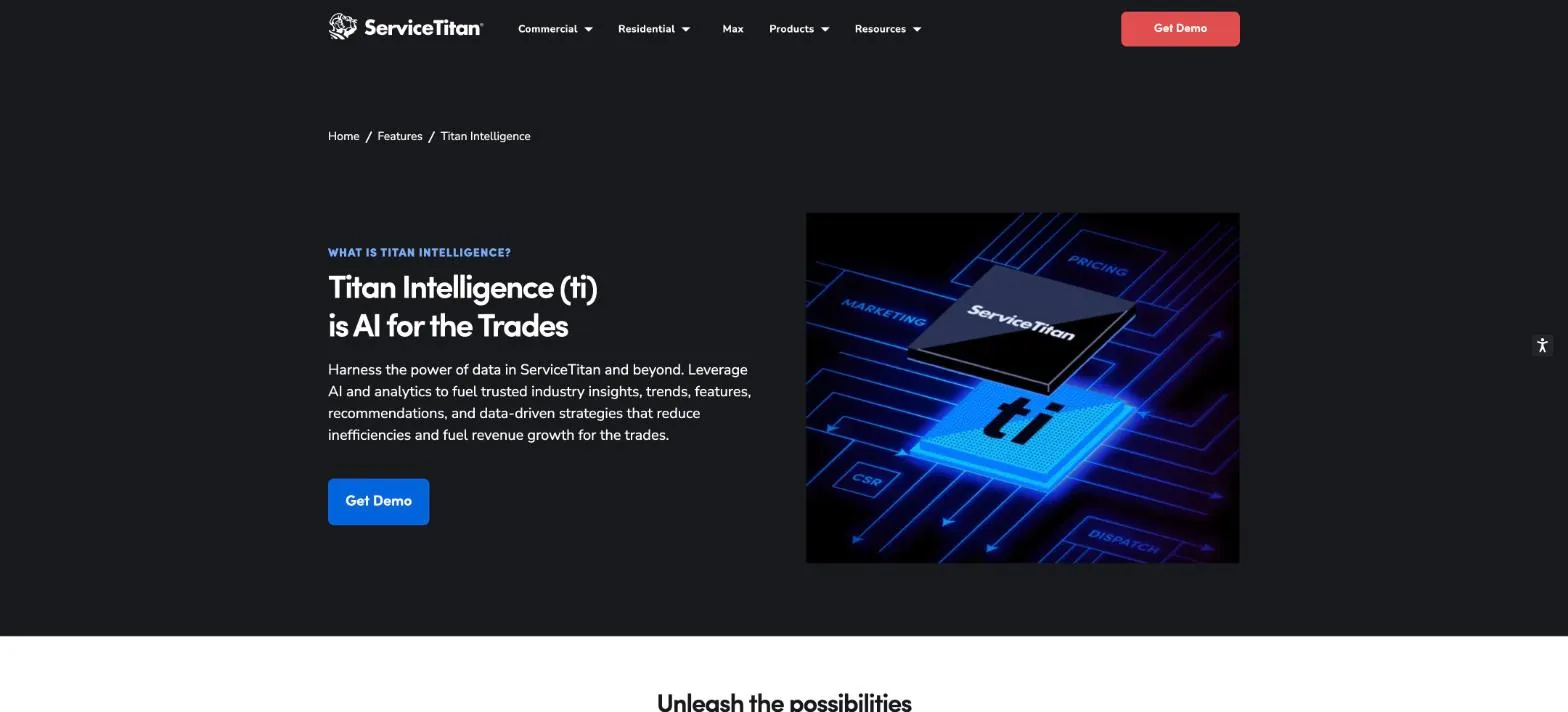
An AI layer across ServiceTitan. Atlas is described as “your AI sidekick in ServiceTitan.” Other features: Dispatch Pro (assigns jobs using predicted job value), Second Chance Leads (flags unbooked calls worth a callback), Ads Optimizer (sends revenue data back to Google Ads), Price Insights (compares your prices with your region), and review reply and invoice email drafting.
- Best for: Larger residential and commercial HVAC companies already on ServiceTitan
- Price: Quote only. Several features belong to paid add-on products such as Marketing Pro, Dispatch Pro and Pricebook Pro
- Vendor-reported results: Second Chance Leads recaptured 37% of unconverted calls as bookings (ServiceTitan calls this “indicative”)
- Watch out: Check which features your plan includes before assuming you have them
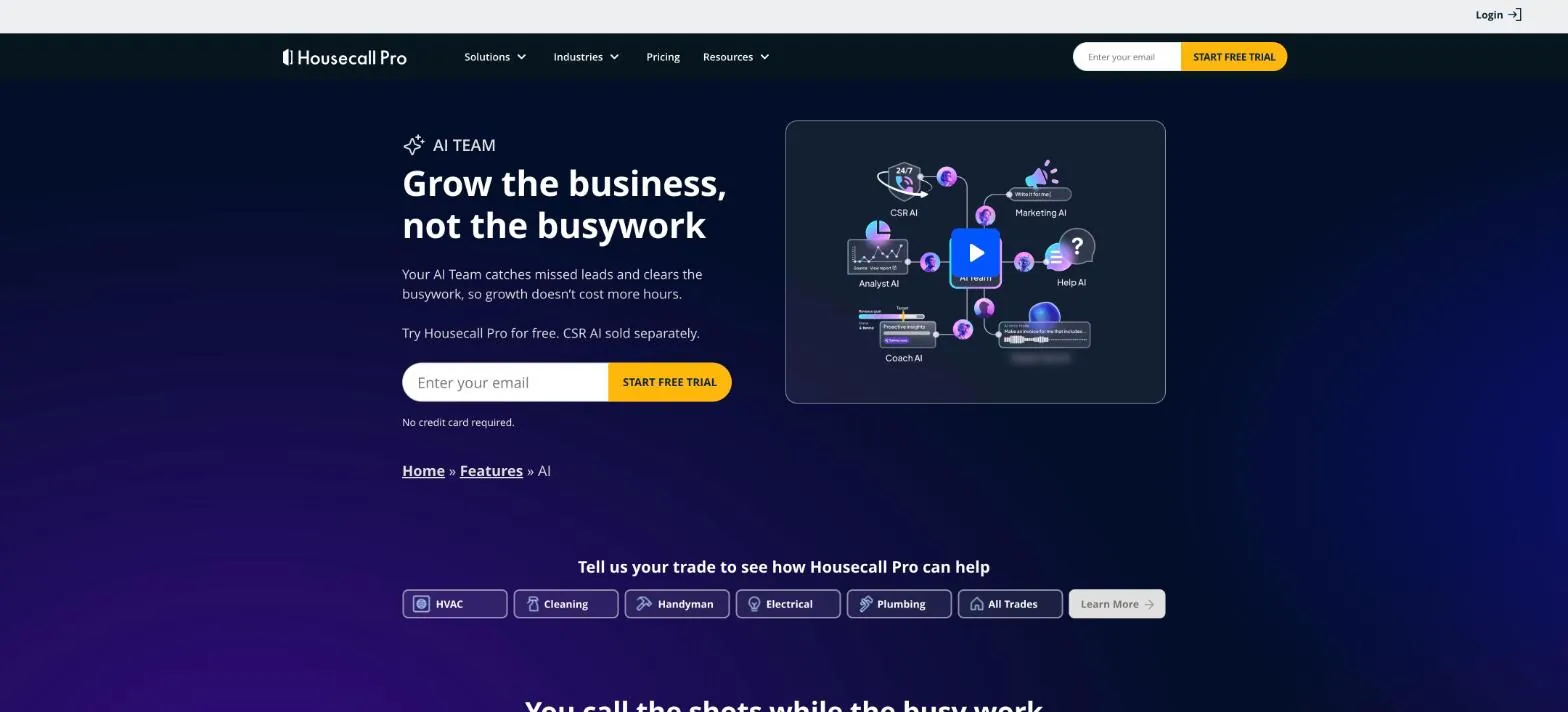
Five AI helpers: CSR AI (answers calls and chats 24/7), Analyst AI (answers questions about revenue, jobs and team performance), Coach AI (pricing and growth recommendations), Marketing AI (drafts emails and campaigns) and Help AI.
- Best for: Small and mid-size HVAC companies (1 to 10 trucks)
- Price: Plans from $59 a month billed annually (Basic), $149 (Essentials), $299 (Max). Most AI Team features are included; CSR AI phone answering is sold separately, price not listed
- Vendor-reported results: Pros using CSR AI earn 2x more revenue on average
- Watch out: Ask for the CSR AI call price in writing before you turn it on
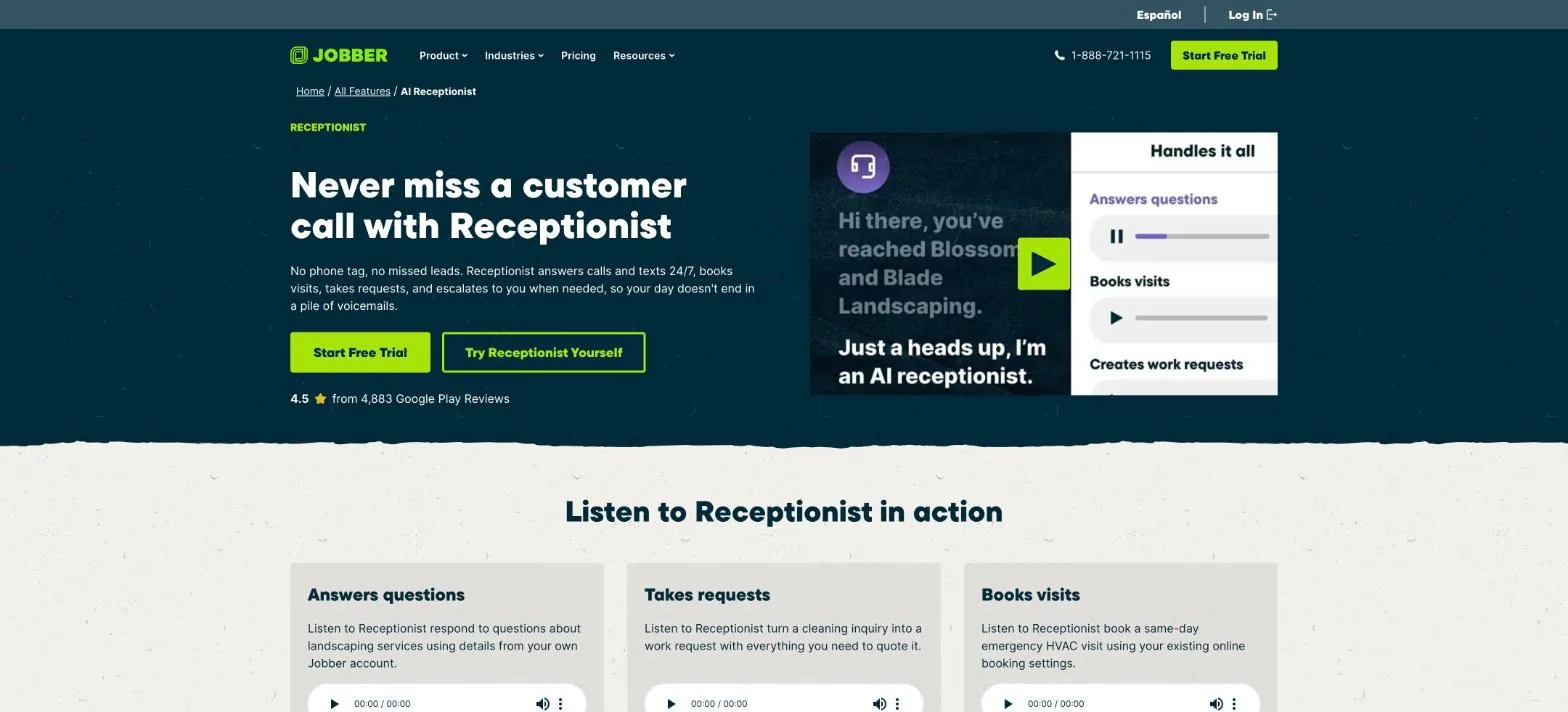
An AI receptionist that answers calls and texts 24/7, texts back callers who hang up, books visits using your online booking rules, and transfers or alerts you when callers say words you choose, like “no heat.”
- Best for: Owner-operators and small HVAC companies on Jobber
- Price: $29 a month add-on on Core, Connect and Grow plans; included in the Plus plan
- Vendor-reported results: Handles over 20 calls per week on average without help
- Watch out: Set the emergency keywords carefully so urgent calls reach a person
What is the best AI tool for answering HVAC calls and booking jobs?
These tools are not answering services that take a message. They answer like a trained CSR, check your schedule, book the job into your field service software, and hand emergencies to a person. For an HVAC company they matter most during heat waves, cold snaps and after hours, when calls pile up faster than CSRs can answer.
About the booking rates below: each vendor measures its own way (some exclude spam, existing customers or escalated calls), so the numbers cannot be compared side by side. Ask each vendor how it calculates the rate.
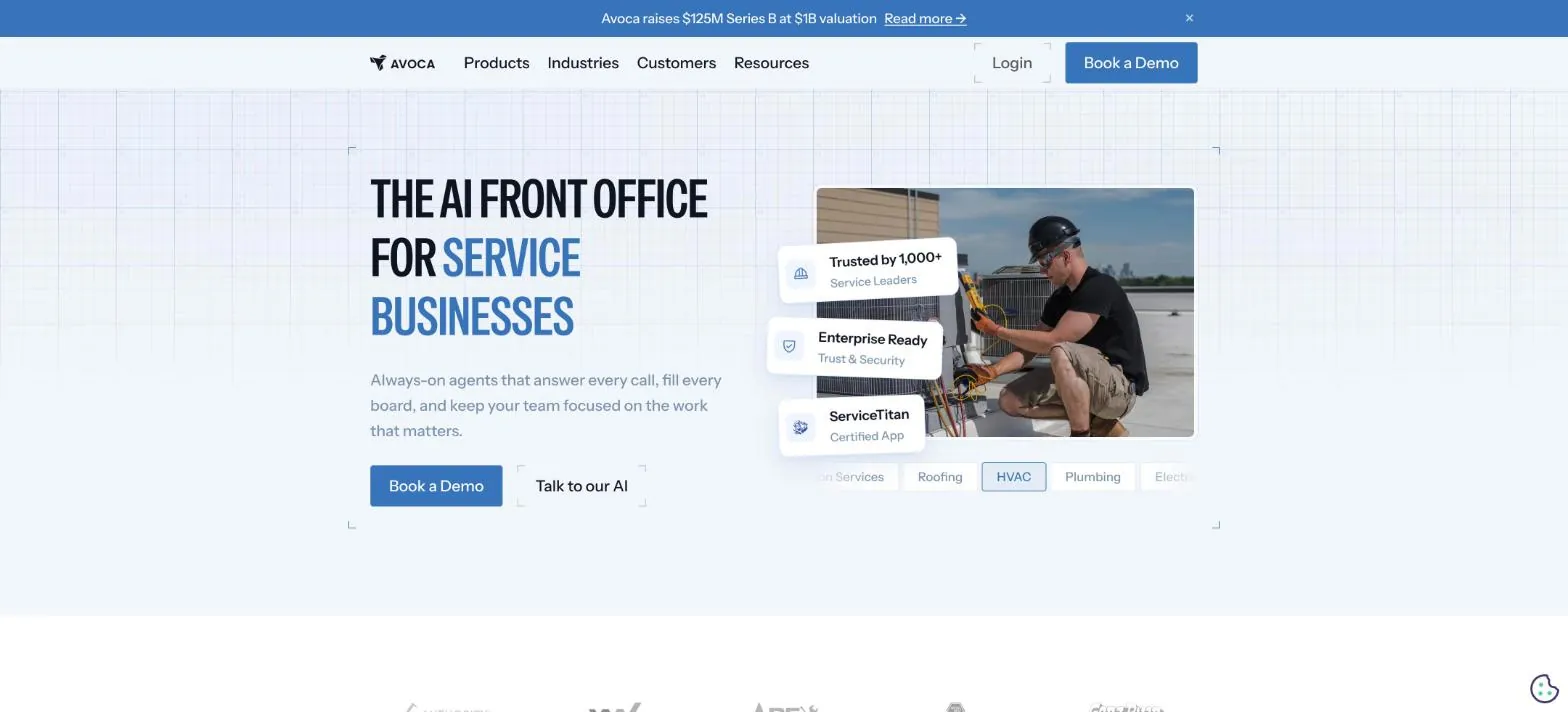
An “AI front office” for home services. Answers calls, texts and web chat 24/7, books jobs, escalates emergencies, runs follow-up campaigns, and scores calls for managers. Certified app for ServiceTitan; also works with Housecall Pro and FieldRoutes.
- Best for: Mid-size to large HVAC and plumbing companies with real call volume
- Price: Not published, demo only
- Vendor-reported results: Aire Serv of Sevierville raised its booking rate from 55% to 90%; Wilson Companies reports an 85% booking rate on about 400 calls a week
- Watch out: Ask how it hands off a gas leak or no-heat call involving an elderly customer
AI CSRs for calls and texts, a scheduling wizard, campaigns to reactivate old customers and follow up on estimates, and call coaching. Sensitive actions can wait for human approval. Connects to ServiceTitan, Housecall Pro, FieldRoutes, Service Fusion, and lead sources like Google Local Services Ads, Angi and Thumbtack.
- Best for: Growing companies that buy leads from several platforms
- Price: Not published, demo only
- Vendor-reported results: A 92% booking rate in most channels, nearly 2,000 service businesses; True Pros Heating & Air: “We scaled from 0 to $6M in 1 year”
- Watch out: Confirm which actions it can take on its own and which need your approval
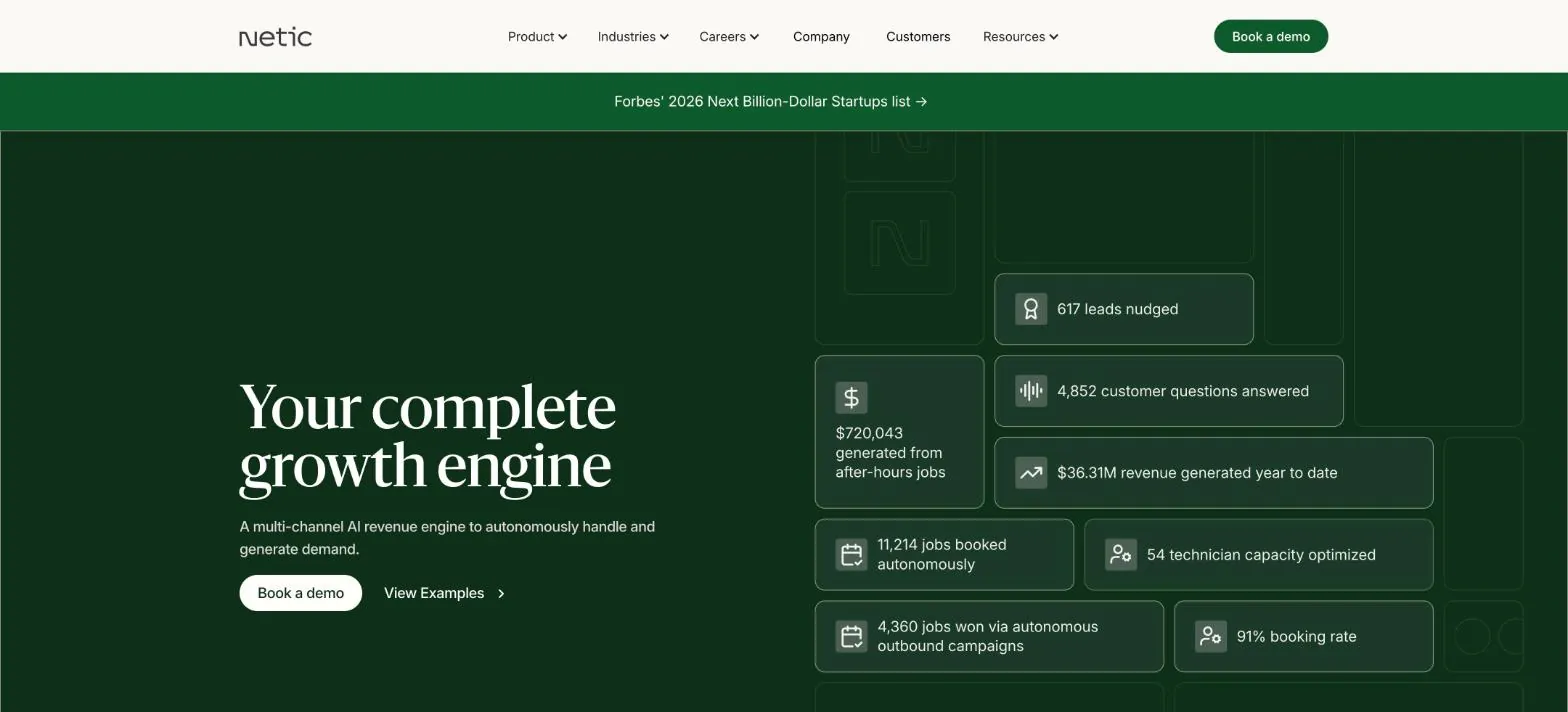
AI agents that book jobs from calls, texts, web chat and third-party platforms into your CRM, plus automated campaigns for memberships and upsells, analytics and call scoring.
- Best for: Larger HVAC companies focused on memberships and call center efficiency
- Price: Not published, demo only
- Vendor-reported results: A 91% booking rate; named customers include Hoffmann Brothers, Randazzo, Classic Aire Care and Paschal
- Watch out: Built for bigger operations; small shops may not use most of it
What is the best AI tool for replying to leads and getting more reviews?
Web leads that wait hours for a reply often book with someone else. These tools reply instantly by text, qualify the lead, book it, and then ask happy customers for reviews. Reviews also matter for AI search: in BrightLocal’s 2026 research, review and listing sites like Google Business Profile and Yelp were the sources ChatGPT and Google’s AI cited most for local businesses (see our guide to showing up in AI answers).
Responds to leads 24/7, qualifies them, books appointments and re-engages old customers. Podium also handles texting and reviews for local businesses.
- Best for: Companies with many web and text leads and a slow follow-up habit
- Price: Not shown on the site, demo or sales call
- Vendor-reported results: Average response time of 36 seconds instead of over two hours; about 45% higher conversion with 24/7 coverage
- Watch out: Make sure replies sound like your company and do not promise prices you do not offer
An AI platform with agents for marketing (reviews, listings, AI search visibility, social posts, chatbot), front desk tasks (appointments, reminders) and customer surveys. Home services is one of its listed industries.
- Best for: Multi-location HVAC brands managing many listings and reviews
- Price: Enterprise pricing on request
- Vendor-reported results: No HVAC-specific results published
- Watch out: Built mainly for multi-location brands; a single-location shop may pay for features it does not use
What is the best AI CRM for following up with leads and past customers?
Field service software tracks jobs. A marketing CRM keeps working on the people who have not booked yet, or have not called back in two years: follow-up texts and emails, maintenance reminders, seasonal campaigns, chat on your website. In 2026 these tools come with AI agents that write and send much of it for you.
A CRM with AI agents for each team: a Customer Agent that answers common questions 24/7, a Prospecting Agent, Content, Campaign and Nurture agents for marketing, and a Revenue Agent that handles invoice follow-up. You can also build your own agents without code.
- Best for: Larger HVAC companies with a marketing person or team, and commercial HVAC selling to businesses
- Price: Free CRM available; AI agents are included in paid Starter, Professional and Enterprise editions and run on HubSpot Credits
- Vendor-reported results: No HVAC-specific results published
- Watch out: Powerful but can be more than a residential shop needs; connect it to your field service software or data stays split
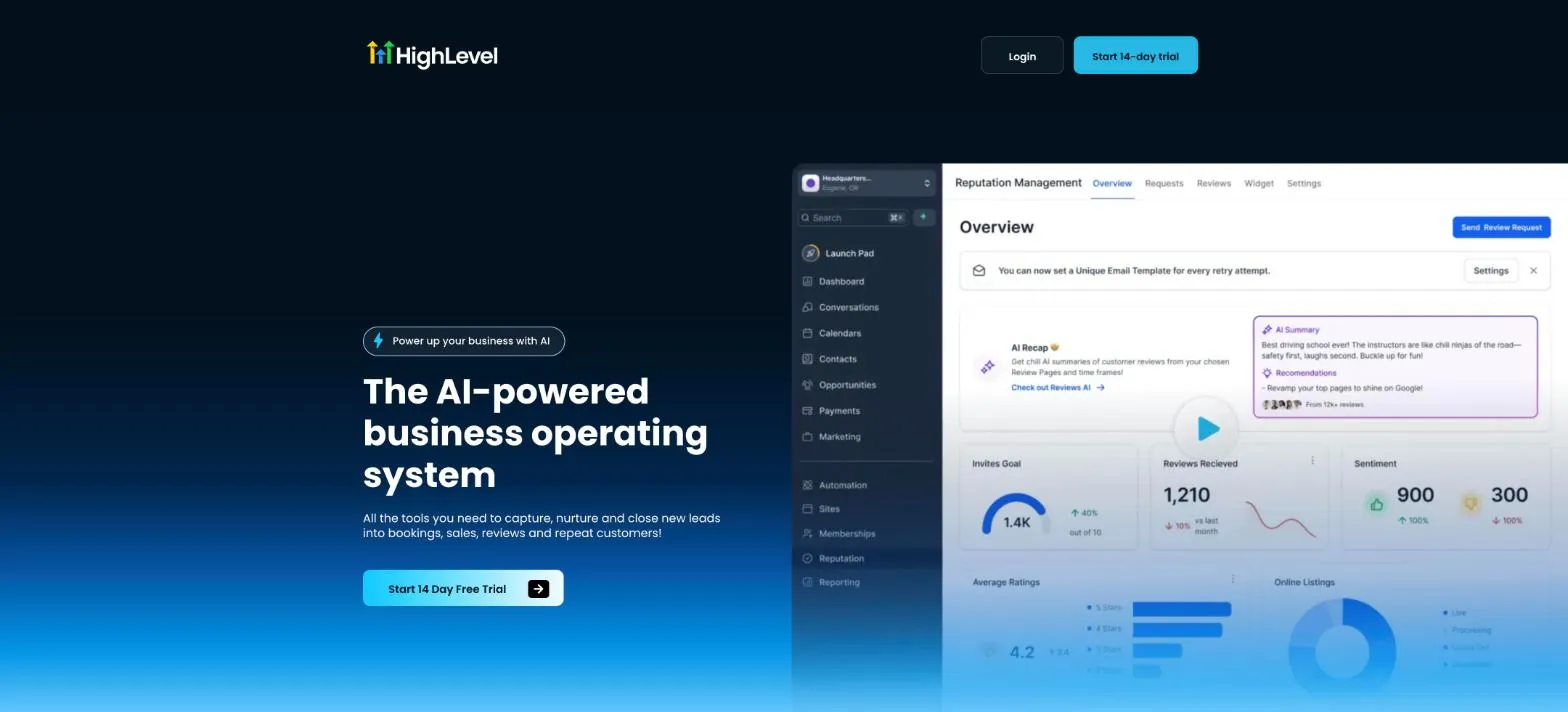
An all-in-one marketing platform with Conversation AI (answers texts and chats), Voice AI, Content AI and AI review replies. Many marketing agencies run their home service clients on it.
- Best for: Small and mid-size companies that want texting, follow-up, reviews and simple websites in one place, often set up by an agency
- Price: Starter $97 a month, Unlimited $297 a month (aimed at agencies)
- Vendor-reported results: No HVAC-specific results published
- Watch out: Built mainly for agencies; if you set it up yourself, budget time to learn it
What is the best AI tool for tracking which calls and ads bring jobs?
Call tracking tells you which ad, page or listing made the phone ring. AI now listens to those calls and tells you whether a job was booked, what the caller wanted, and how they heard about you. For an HVAC company spending on Google Ads and Local Services Ads, this is how you see cost per booked job instead of cost per call.
CallRail: Conversation Intelligence
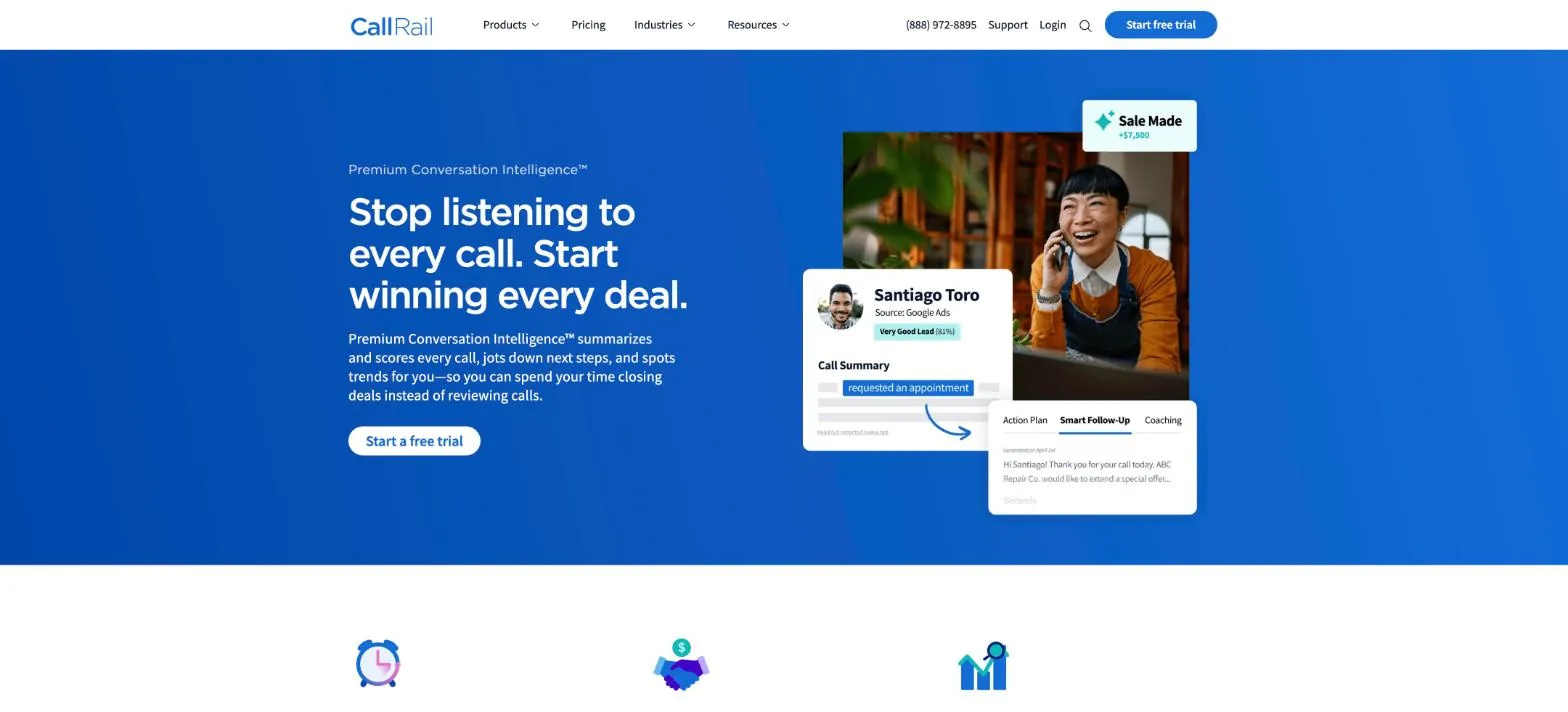
Transcribes and summarizes calls, scores lead quality, tags outcomes such as “appointment scheduled,” and picks up how callers say they heard about you, then shows it next to your ad data.
- Best for: Any HVAC company running paid ads that needs to prove which ones bring booked jobs
- Price: From $50 a month (Lead Tracking, with call transcription and AI insights); the Premium version is in Lead Conversion from $150 a month, plus usage
- Vendor-reported results: Up to 60% less time spent qualifying leads (vendor claim)
- Watch out: Check call recording consent rules for your state before recording
The call answering tools above (Avoca, Sameday and Netic) also score calls, so if you buy one of them, compare before adding a second tool.
What is the best AI tool for HVAC estimates and proposals?
A slow or inconsistent quote loses replacement jobs. AI estimating tools draft a priced quote from a photo or a short description, using your own price book, and lay out good, better and best options. A separate group of tools uses AI to read building plans for load calculations, which used to take hours.
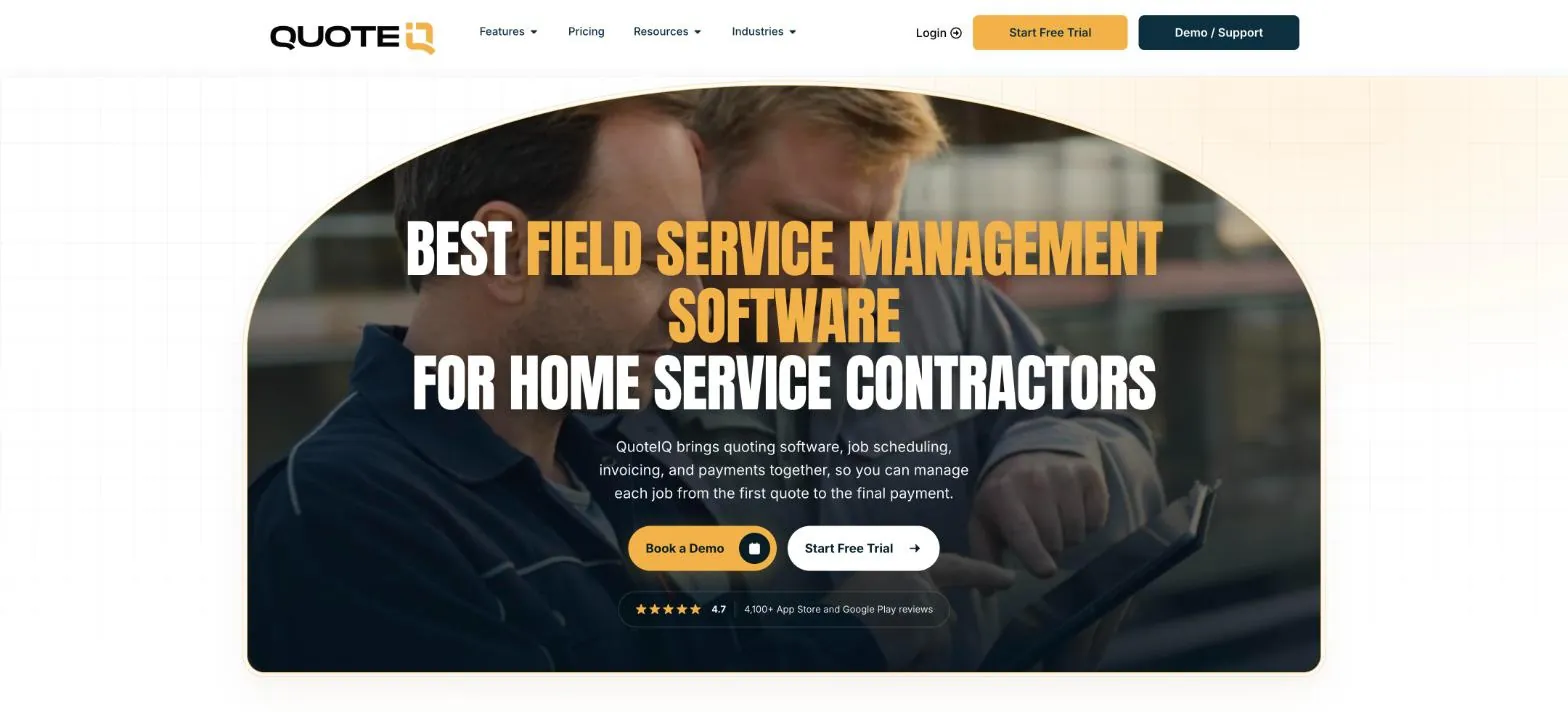
Field service software with an AI Estimator: take a photo or describe the job and it drafts a priced quote from your price book, which you can edit before sending. Options estimates show good, better and best tiers. Also includes an AI receptionist and scheduling, invoicing and payments.
- Best for: Small HVAC companies that want quoting, invoicing and an AI receptionist in one low-cost app
- Price: From $29.99 a month (1 user) to $699.99 (20 users), with a 14-day trial; AI use draws on monthly credits
- Vendor-reported results: Rated 4.7 from 4,100+ app store reviews and used by 40,000+ contractors (company figures)
- Watch out: Check that the AI uses your prices, not generic ones, before you send anything
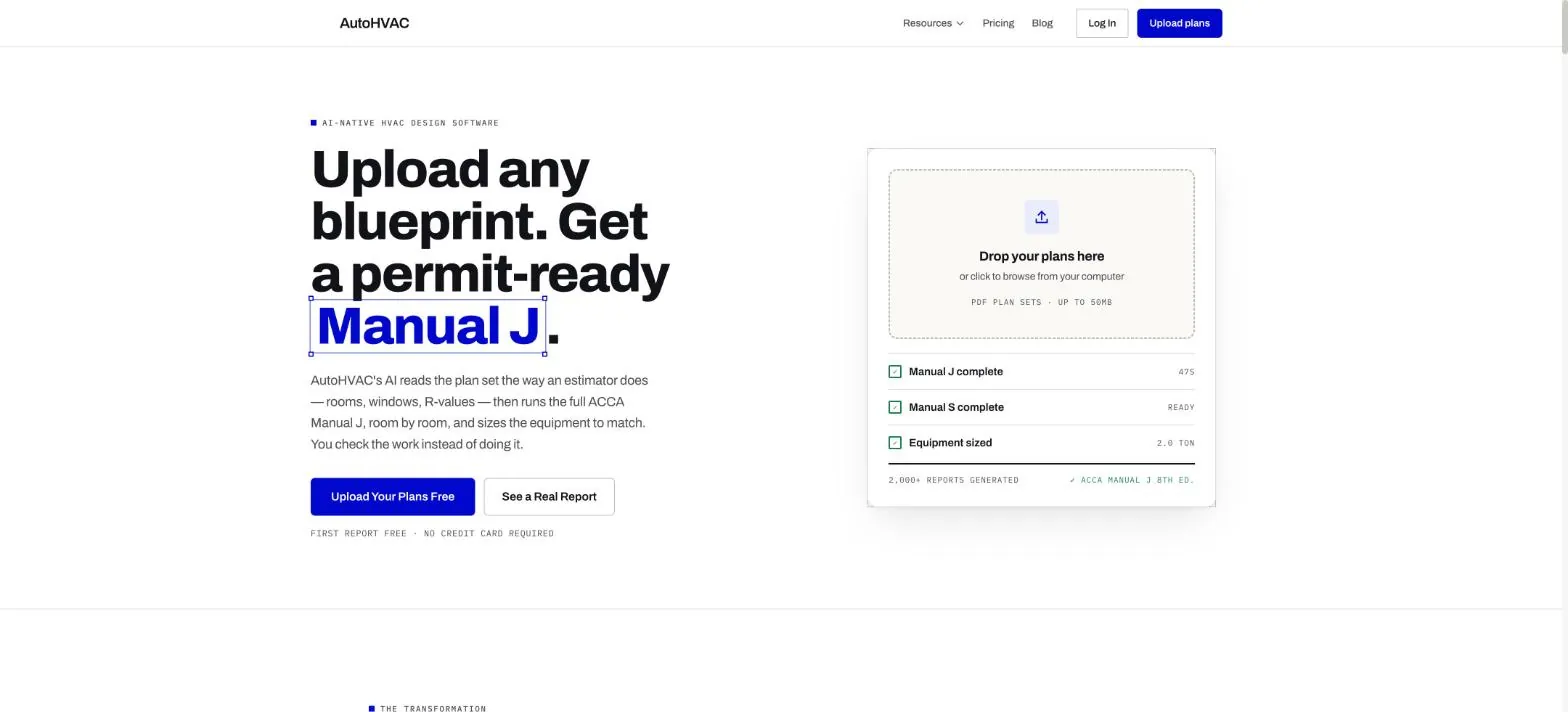
Upload a residential plan set as a PDF and get a Manual J load calculation with equipment sizing in about 60 seconds. AI reads the rooms, windows and insulation from the drawings; a standard calculation engine does the math, and each input shows where it came from.
- Best for: Contractors bidding residential new construction and replacements who need fast load calcs
- Price: First report free, then $47 a month
- Vendor-reported results: No published customer results beyond testimonials
- Watch out: It follows the Manual J procedure but does not claim ACCA approval; confirm your permit office accepts its reports
What is the best AI tool for coaching in-home HVAC sales?
Replacement sales happen at the kitchen table, where managers rarely see them. These tools record the in-home conversation (with consent), and AI shows managers what top advisors do differently, so coaching does not depend on ride-alongs.
Records in-person sales conversations and lets managers do “virtual ride-alongs” in minutes. The AI learns your sales process or, if you do not have one, learns from your best performers.
- Best for: HVAC companies with several comfort advisors selling replacements
- Price: Not published, demo only
- Vendor-reported results: Cardinal HVAC’s sales manager went from 6 or 7 ride-alongs a week to 25 or 30; Rilla reports an average 40% higher close rate across customers
- Watch out: Your advisors need to accept being recorded; explain it as coaching, not surveillance
AI for in-person sellers: records conversations, writes notes and follow-ups, fills in your CRM, scores visits and coaches with role-play and daily reviews.
- Best for: Sales teams that also want automatic CRM notes and follow-ups
- Price: Not published, demo only
- Vendor-reported results: American Standard Home Services: 21% higher close rate
- Watch out: Check that it connects to the CRM or field service software you use
What is the best AI tool to help HVAC technicians in the field?
Experienced techs are hard to hire. These tools put specs, parts and troubleshooting help in a technician’s phone, and turn job notes into clean records.
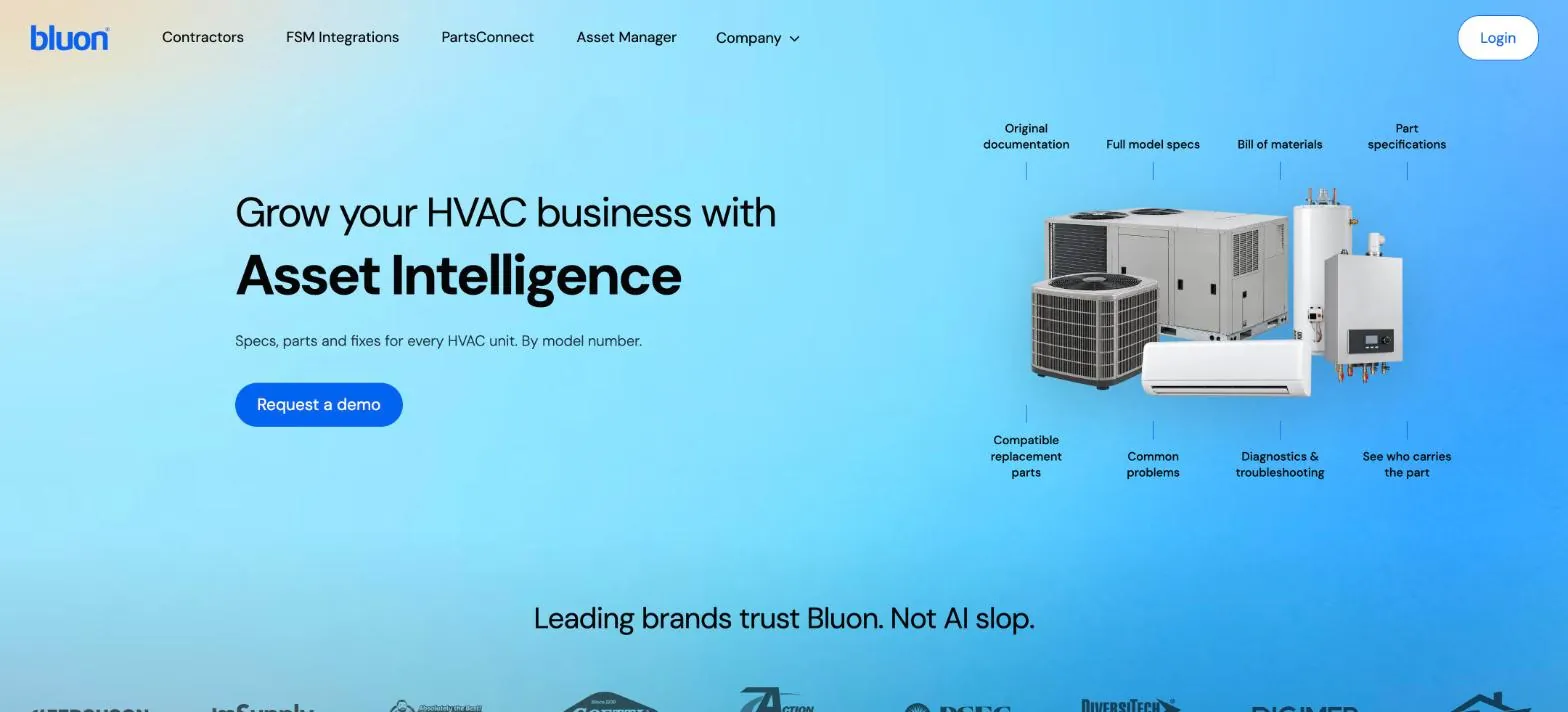
Specs, parts and fixes for HVAC equipment by model number, including nameplate scanning and MasterMechanic, an AI troubleshooting tool built on 135,000 real tech support calls.
- Best for: Residential and commercial service techs, especially newer ones
- Price: Not listed on the site
- Vendor-reported results: Covers 268 equipment brands (company figure)
- Watch out: AI troubleshooting supports a technician’s judgment; it does not replace safety procedures
An equipment data platform with guided technician workflows, a knowledge base, AI-written job summaries and AI-structured site surveys.
- Best for: Commercial HVAC and mechanical service companies with maintenance agreements
- Price: Not published, demo only
- Vendor-reported results: Veregy reports about $6,000 in added revenue per technician from better pull-through sales
- Watch out: More useful for commercial maintenance work than for small residential shops
What is the best AI tool for invoicing and getting paid faster?
Cash flow problems in HVAC are often just slow invoices and forgotten reminders. Most field service platforms already invoice on the job. Accounting software now adds AI that creates invoices, chases late payers and keeps the books tidy.
Intuit added a team of AI agents to QuickBooks in July 2025, including a Payments Agent that creates and sends invoices and reminders and predicts which invoices will be paid late.
- Best for: Most US HVAC companies, since many accountants already use QuickBooks
- Price: Several QuickBooks Online plans; AI features vary by plan
- Vendor-reported results: In Intuit’s beta, invoices with AI reminders were paid 5 days faster on average and were 10% more likely to be paid in full
- Watch out: Keep your field service software and QuickBooks connected so invoices are not entered twice
Xero’s AI assistant, JAX, creates invoices and quotes “just by asking,” inside Xero or by WhatsApp, SMS or email.
- Best for: Owners who want to send invoices and quotes from their phone without opening accounting software
- Price: Several US plans; check which include JAX features
- Vendor-reported results: No HVAC-specific results published
- Watch out: Some JAX features have rolled out in stages; confirm what your plan includes today
What is the best AI tool for making flyers and marketing graphics?
Flyers, door hangers, yard signs, truck magnets, seasonal promos and social graphics used to need a designer. AI design tools now generate a first draft from a short prompt using your logo and colors, and you edit from there.
Templates for flyers, door hangers and social posts, plus AI tools that generate designs, resize them for each platform, translate text and remove backgrounds. A brand kit keeps your logo and colors consistent.
- Best for: Owners and office staff making their own marketing materials
- Price: Free plan includes up to 20 AI uses; Pro and Business plans add more AI and premium templates (prices vary by country)
- Vendor-reported results: Not applicable
- Watch out: Check the fine print on any print order and keep your license number and phone correct on every design
Flyer and social templates with Adobe Firefly AI: generate templates, images, text effects and logos from a prompt. Adobe says its AI is designed to be commercially safe.
- Best for: Companies that want commercially safe AI images for ads and print
- Price: Free with limited AI credits; Premium US$9.99 a month
- Vendor-reported results: Not applicable
- Watch out: AI credits run out quickly on the free plan if you generate many images
What is the best AI tool for writing HVAC marketing content?
Posting on social media, writing service descriptions, answering reviews and sending seasonal emails takes time most HVAC owners do not have. General AI tools do this well if you give them real details about your business.
A general AI assistant. Useful for drafting review replies, seasonal emails, service page text and plain-language explanations of repair versus replacement for customers.
- Best for: Every HVAC company, as a writing helper
- Price: Free and Go plans (Go is $8 a month in the US, per OpenAI); paid plans for teams
- Vendor-reported results: Not applicable
- Watch out: Do not paste customer names, addresses or payment details into it, and always check facts and prices before publishing
Leads4Build HVAC Social Media Generator
Our own free tool: pick your HVAC services and get a week of social media post ideas and captions for your business. We built it, so weigh this recommendation accordingly.
- Best for: Small HVAC companies that need ideas for regular posts
- Price: Free
- Vendor-reported results: Not applicable
- Watch out: Review and edit posts so they match your real services and area
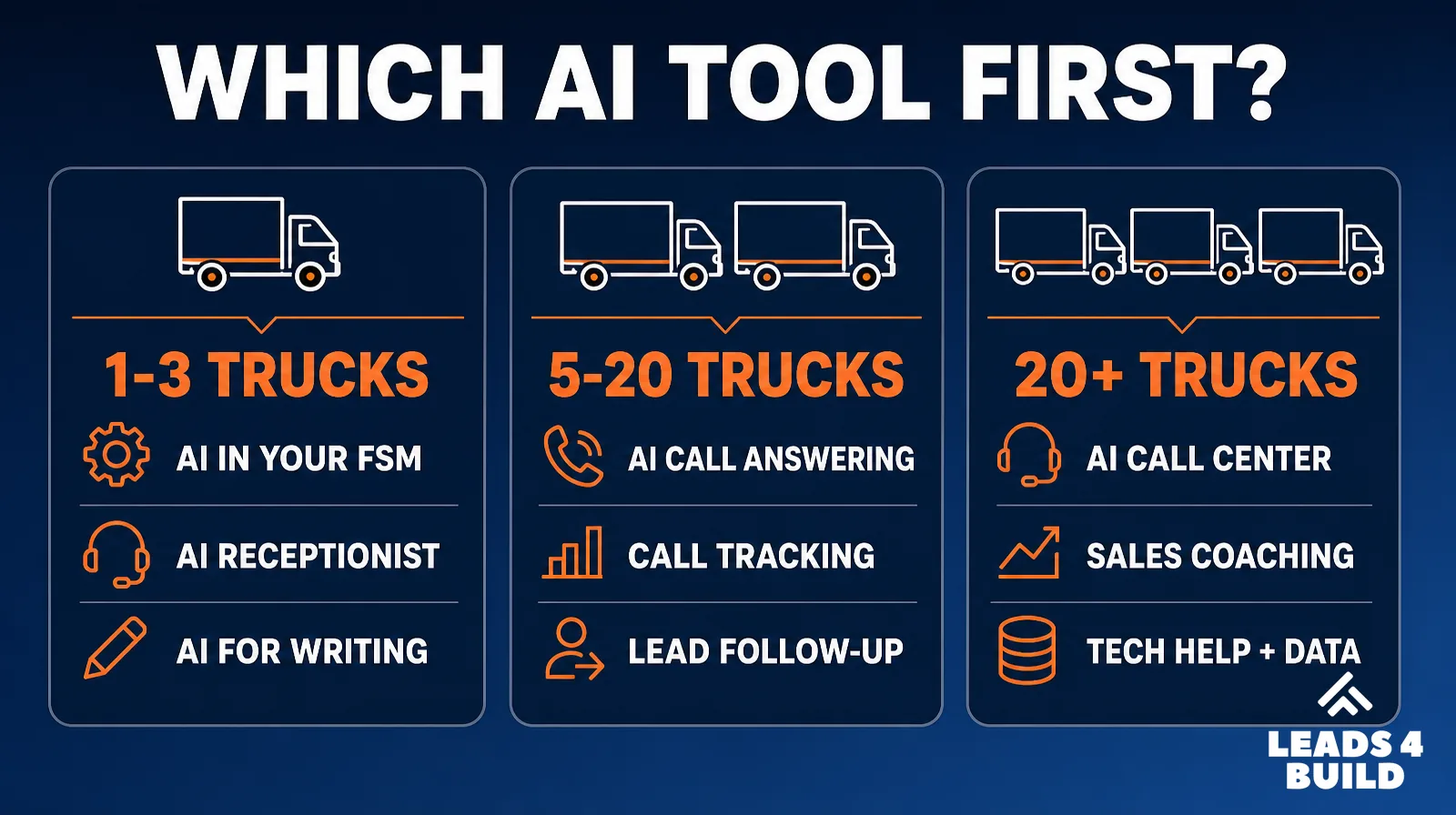
How to choose: start with your biggest leak
| Your situation | Start with | Typical first step |
|---|---|---|
| Already on ServiceTitan | What you already pay for | List the AI features in your plan (Dispatch Pro, Marketing Pro, Pricebook Pro, Second Chance Leads) and turn on what you own before buying more |
| 1 to 3 trucks, owner answers the phone | AI inside your field service software | Turn on Jobber Receptionist or Housecall Pro AI Team; use ChatGPT for writing |
| Missed calls after hours or in peak season | AI call answering | Demo two of Avoca, Sameday or Netic and compare booking into your software |
| Spending on ads but unsure what works | AI call tracking | CallRail with conversation analysis on your main ad numbers |
| Leads wait hours for a reply | AI lead response | Podium or the follow-up features in your call answering tool |
| Replacement close rates vary between advisors | AI sales coaching | Pilot Rilla or Siro with two advisors for 60 days |
| Hiring newer technicians | AI help for technicians | Bluon for residential, XOi for commercial maintenance |
| Quotes take days or vary by advisor | AI estimating | Trial QuoteIQ on your price book; AutoHVAC for load calcs |
| Waiting weeks to get paid | AI invoicing | Turn on AI invoice reminders in QuickBooks or Xero, or in your field service software |
| No time for flyers and social graphics | AI design | Canva or Adobe Express with a saved brand kit |
| Leads and past customers never get followed up | AI CRM | HighLevel or HubSpot, ideally set up by someone who has done it before |
Questions to ask every vendor
- Does it book directly into the software we use (ServiceTitan, Housecall Pro, Jobber), or only take messages?
- How does it handle emergencies like gas smells or no heat for an elderly customer?
- How is it priced: per minute, per call, per booked job or flat monthly? What does a heat wave month cost?
- Can we listen to call recordings and correct how it answers?
- Does it follow call recording consent rules in our state?
- Who owns the call data if we cancel?
- Is there a trial or pilot with a clear exit? What are the setup fees, minimums and contract length?
- How does it handle existing customers, maintenance members, reschedules and warranty calls, not just new leads?
- What happens if the integration or the phone system goes down during a heat wave?
- Can you give us two references from HVAC companies our size on the same field service software?
- For texting: how does it handle customer consent for automated messages?
A simple pilot scorecard
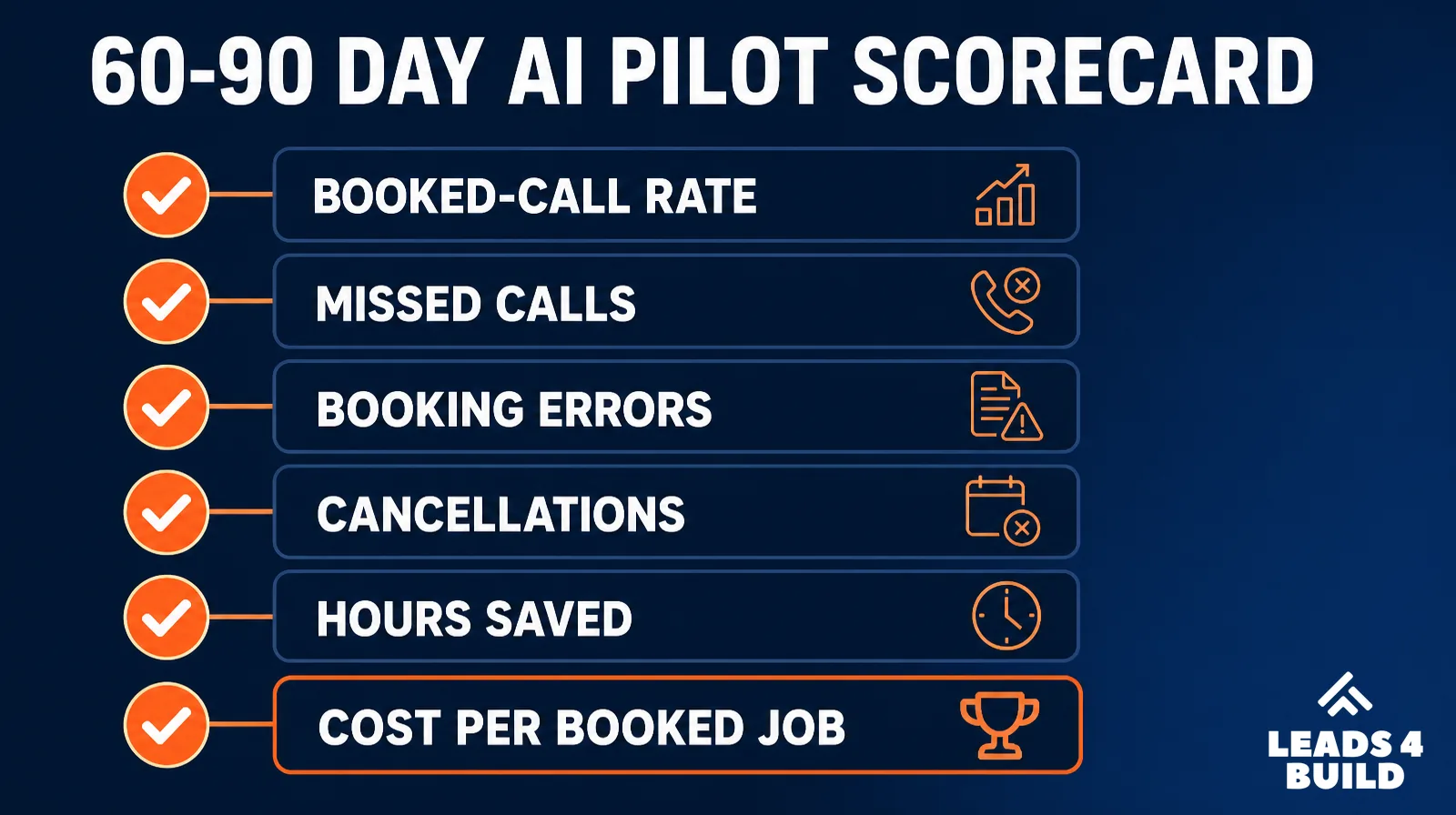
Run any pilot for 60 to 90 days on a defined slice of calls or leads (for example, after-hours calls only) and compare it with the same period before:
| Measure | Why it matters |
|---|---|
| Booked-call rate by hour and source | Shows whether the tool books more jobs, and when |
| Missed and abandoned calls | The main problem most call tools are bought to fix |
| Booking errors (wrong job type, zone or technician skill) | Bad bookings cost truck rolls and customer trust |
| Cancellations and complaints | Catches bookings that look good on paper but fall through |
| CSR or manager hours saved | The cost side of the decision |
| Cost per booked job and revenue per booked job | The number that decides whether you keep it |
Recording and automated texting rules vary by state. Check yours, or ask your attorney, before recording calls or in-home visits.
Methodology: how we chose and checked these tools
We started from the jobs an HVAC company does every week (answering calls, following up, quoting, selling, fixing, invoicing and marketing) and grouped AI software by the job it helps with. In each category we picked two or three vendors that are built for or widely used by home service businesses, and checked every one on its own website and pricing page on October 18, 2026. No vendor paid to be included, and we have no affiliate deals with any of them. The HVAC Social Media Generator is our own free tool and is left out of the table below.
To show how established each brand is, we added two public signals:
- Brand search demand: average US monthly Google searches for the brand name (DataForSEO, October 2026). Where the name is ambiguous we used the brand plus “ai.” A * means the name is also a common word or place, so the number includes searches unrelated to the software.
- G2 reviews: the overall rating and number of reviews on G2, a software review site, read on October 18, 2026. “Not listed” means we found no G2 page for the product. HubSpot’s CRM reviews are shown under its Sales Hub listing on G2.
| Vendor | Category | US brand searches / month | G2 rating | G2 reviews |
|---|---|---|---|---|
| ServiceTitan | Field service AI | 60,500 | 4.4 | 377 |
| Housecall Pro | Field service AI | 74,000 | 4.3 | 208 |
| Jobber | Field service AI | 201,000 * | 4.6 | 530 |
| Avoca | Call answering | 2,900 (“avoca ai”) | Not listed | – |
| Sameday AI | Call answering | 880 | Not listed | – |
| Netic | Call answering | 2,400 | No reviews yet | 0 |
| Podium | Lead response | 110,000 * | 4.5 | 2,155 |
| Birdeye | Reviews and listings | 22,200 | 4.7 | 4,264 |
| HubSpot | CRM | 368,000 | 4.4 | 14,364 |
| HighLevel | CRM | 165,000 (“gohighlevel”) | 4.6 | 654 |
| CallRail | Call tracking | 22,200 | 4.5 | 1,834 |
| QuoteIQ | Estimating | 4,400 | 4.5 | 19 |
| AutoHVAC | Estimating | 20 | Not listed | – |
| Rilla | Sales coaching | 9,900 * | 4.7 | 103 |
| Siro | Sales coaching | 720 (“siro ai”) | 5.0 | 26 |
| Bluon | Technician help | 1,600 | Not listed | – |
| XOi | Technician help | 3,600 * | Not listed | – |
| QuickBooks | Invoicing | 1,000,000 | 4.0 | 3,891 |
| Xero | Invoicing | 90,500 | 4.4 | 1,837 |
| Canva | Design | 24,900,000 | 4.7 | 7,757 |
| Adobe Express | Design | 450,000 | 4.5 | 855 |
| ChatGPT | Marketing content | 124,000,000 | 4.6 | 3,108 |
Neither signal measures how well a tool works for your company. Search demand reflects brand size, and newer HVAC-focused tools (Avoca, Sameday, Netic, Bluon) are often not on G2 at all. Use the table as context, then judge any tool with a pilot.
The bottom line
For most HVAC companies, the right first AI tool is the one that fixes the biggest leak: unanswered calls, slow follow-up, ads you cannot track, or uneven sales. Start with the AI already in your field service software, add one specialist tool where the leak is, and judge it on booked jobs after 60 to 90 days.
Data Sources: each vendor’s official website and pricing page, read October 18, 2026: ServiceTitan, Housecall Pro, Jobber, Avoca, Sameday, Netic, Podium, Birdeye, CallRail, Rilla, Siro, Bluon, XOi. Results quoted are vendor-reported. No vendor paid to be included.
Keep reading: